
VOCAB-80
Talking-word synthesizer · by Nada Kari
Coming soon to the App Store
Every unlock helps keep our wellbeing through music courses free for all.
Tap a pad and it talks
Say a word in the voice of a vintage speech chip, a robot, a vocoder or something stranger. Tap near the top of a pad for a softer voice, near the bottom for a harder one. Play several pads at once and the words stack up.
 Words
 Phrases
 Synth
 Presets
Three ways to play
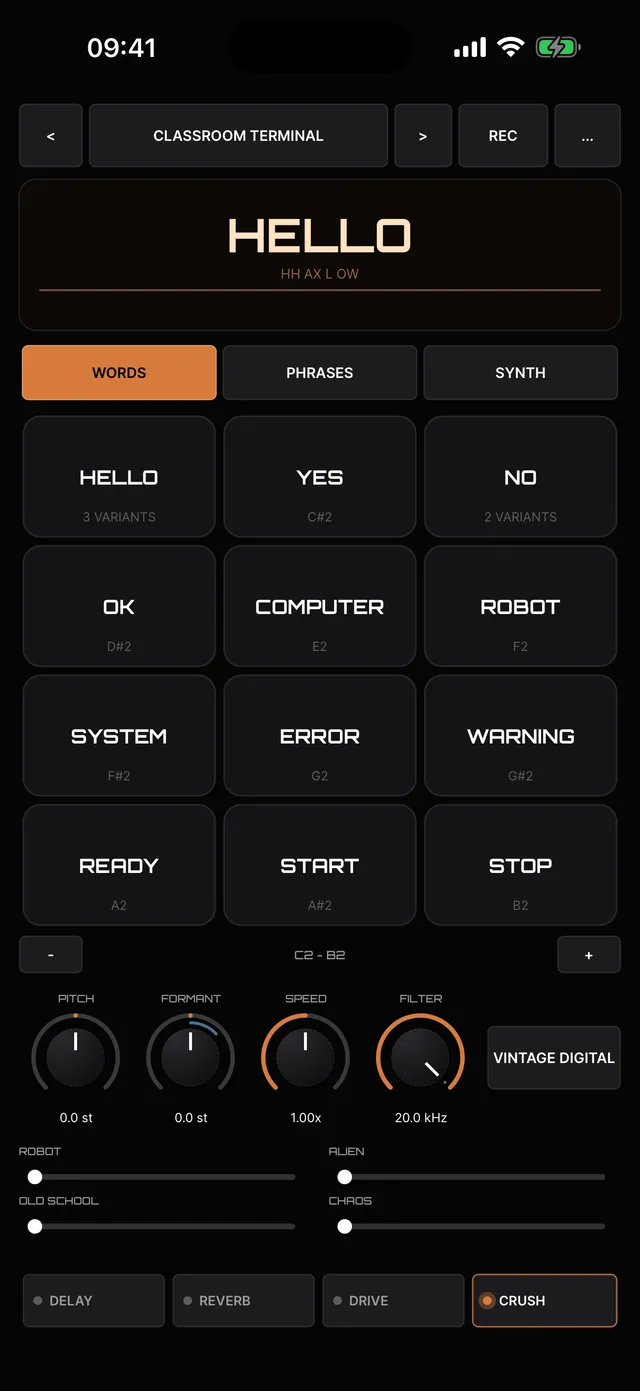
Words
12 pads, each saying a word. Hold any pad to choose from 380 words across categories.
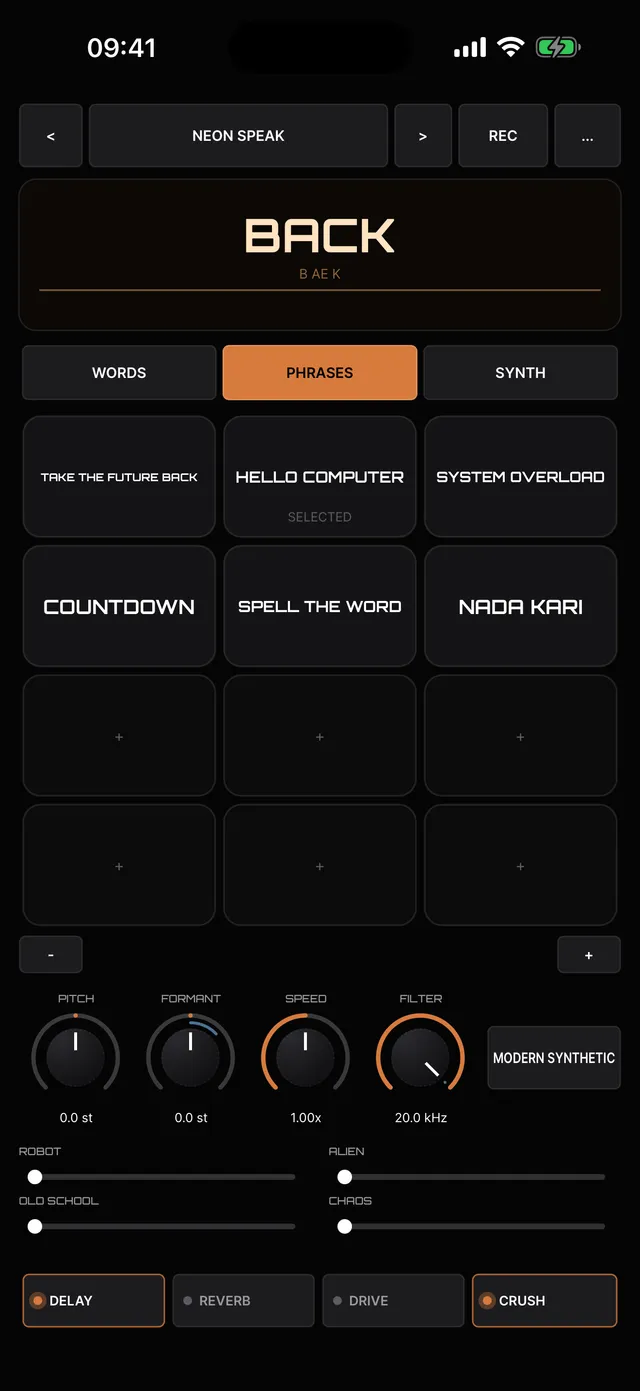
Phrases
Whole sentences on a single pad.
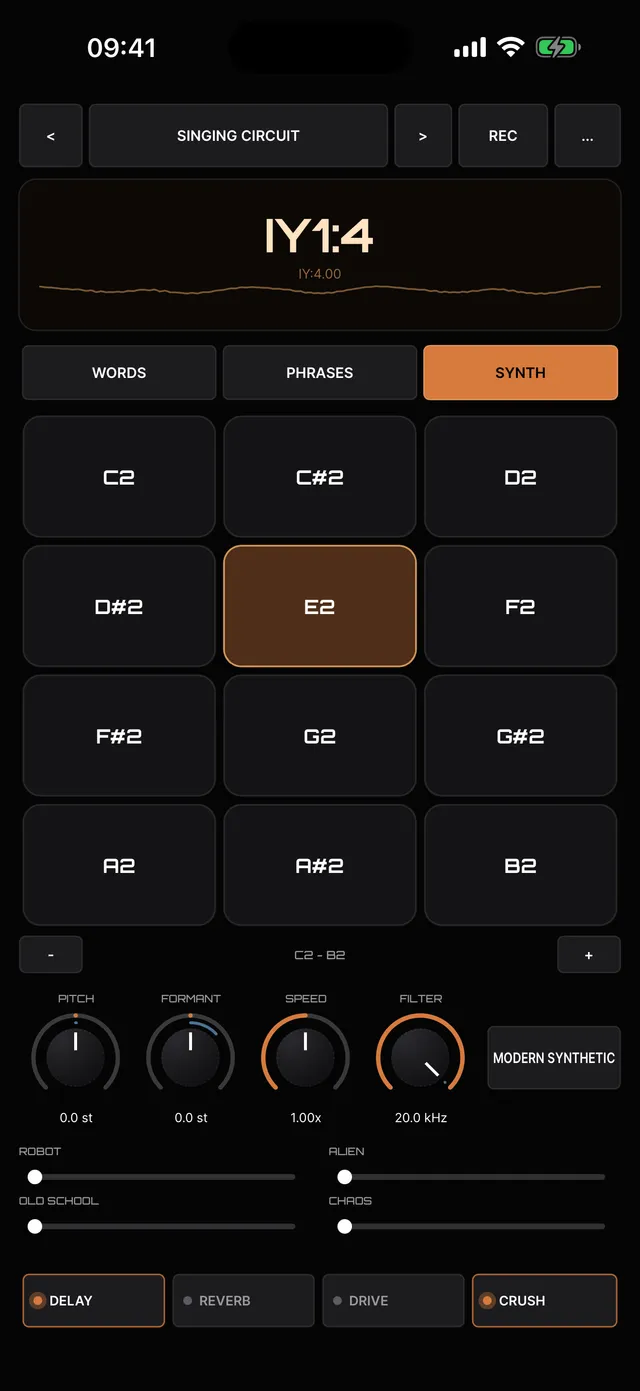
Synth
Play the voice itself like an instrument, up and down the keyboard.
Shape the voice
- 8 voice characters, from Vintage Digital and Robotic to Metallic, Alien and Vocoder
- Pitch, formant, speed and filter controls
- Four macros (Robot, Alien, Old School and Chaos) that move many settings at once
- Delay, reverb, drive and bit-crush effects
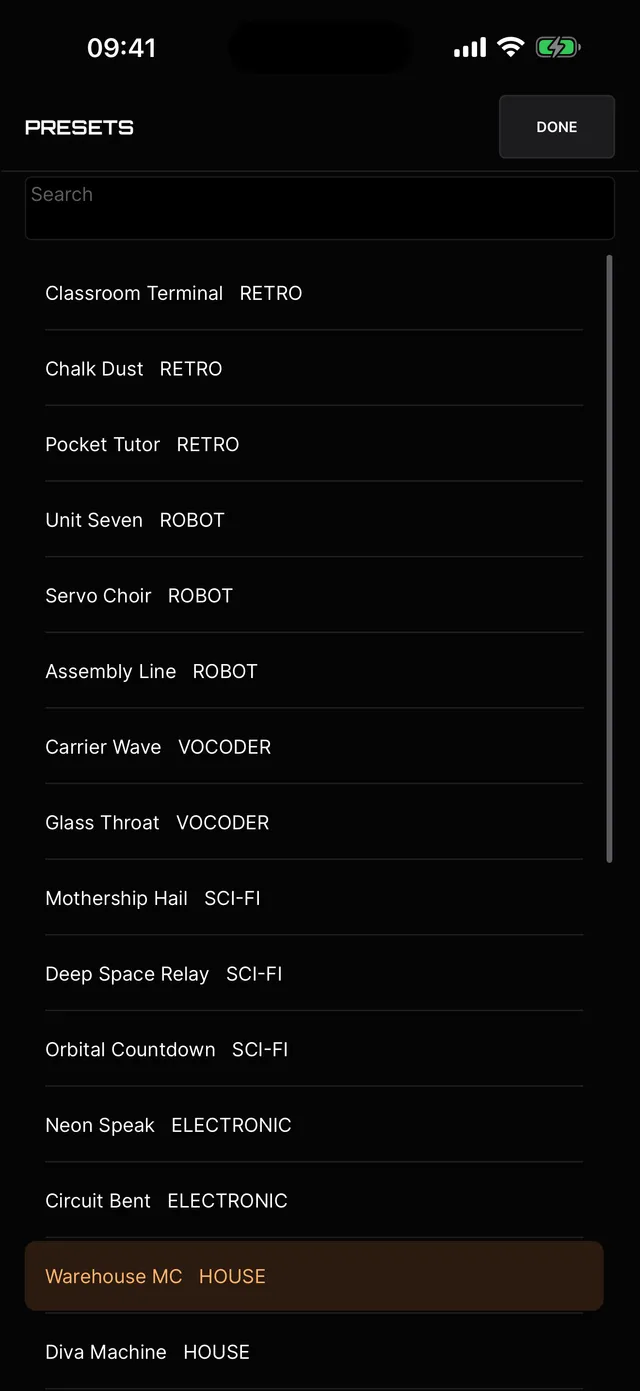
- 28 factory presets, from Retro and Robot to House, Techno and Lo-Fi
Record, share and plug in
- Press REC to capture a take, then save it to Files, AirDrop it or send it to another app
- Save your own presets
- Use it as an Audio Unit instrument in GarageBand, AUM, Cubasis, Logic Pro for iPad and other hosts
These are part of the £1.99 unlock.
Price
Free to download and play: the whole instrument, every pad, word, phrase, voice, preset and effect. One payment of £1.99 unlocks recording and sharing, saving your own presets, and the Audio Unit plugin. No subscription, no ads. Money from every unlock goes towards our free wellbeing through music courses.
Private by design
No account, no ads, no tracking. VOCAB-80 works completely offline and collects nothing. The microphone is used only while the Vocoder voice is on. Read the VOCAB-80 privacy policy.
Help and support
How do I restore my purchase?
Tap the … menu and choose Restore purchase, or tap Restore purchase on the unlock card. Use the same Apple ID you bought it with. Family Sharing is supported.
How do I use VOCAB-80 as an Audio Unit?
The Audio Unit plugin is part of the £1.99 unlock, so unlock it in the VOCAB-80 app first. Then in GarageBand, add a new track and choose Audio Units Extensions → Nada Kari → VOCAB-80. It also works in AUM, Cubasis, Logic Pro for iPad and other hosts, and your settings are saved inside your project. Before unlocking, the plugin shows a card explaining how to unlock it and stays silent.
Why does it ask to use the microphone?
Only when you choose the Vocoder voice, which shapes your own voice as you sing or talk. The sound is processed on your device. Nothing is recorded unless you press REC, and nothing leaves your device unless you share it. VOCAB-80 never asks for the microphone otherwise.
What do I need?
An iPhone or iPad running iOS 15 or later. You don’t need an account or an internet connection, and you can play it from a MIDI keyboard.
What does the free version include?
The whole instrument: every pad, word, phrase, voice, preset and effect. The one-off £1.99 unlock adds recording and sharing, saving your own presets, and the Audio Unit plugin. There’s no subscription and no ads.
Still stuck, or found a bug? Email hello@playnorthwestcic.com and tell us which iPhone or iPad you’re using and its iOS version. We’ll reply by email.
Who makes VOCAB-80
VOCAB-80 is made by Nada Kari, a sound practitioner and partner of Play North West CIC, a community music organisation in the North West of England. Money from the app helps keep our wellbeing through music courses free for everyone to attend.
See all our music apps → · Visit nadakari.com ↗ (opens in a new tab)